Read, summarize, paraphrase, think.
You will forget about 55% of what you have read within one hour. Taking notes in an intelligent way is the best way to avoid this massive loss of input.
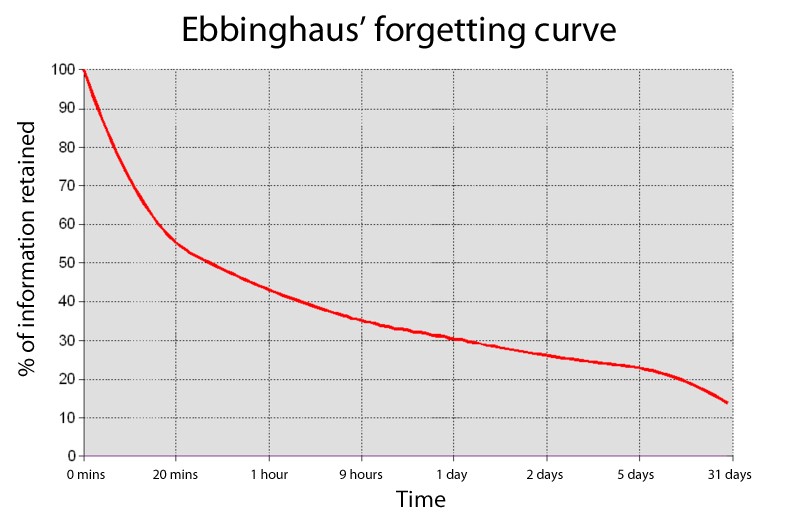
It is best to not just copy from books and articles but to process the material: summarize, paraphrase, comment it.
Create structure with Master Records
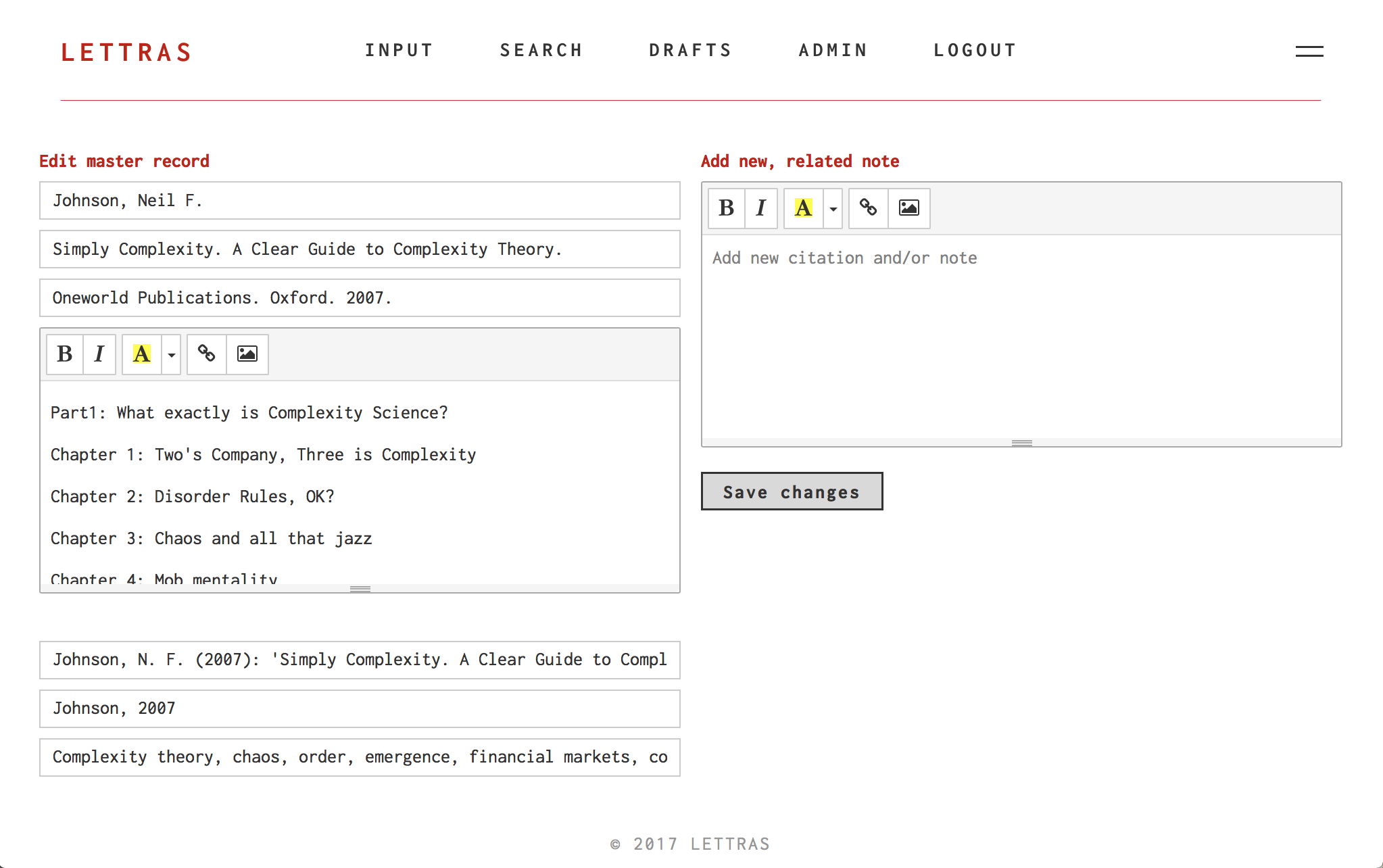
In LETTRAS, note taking starts with a Master Record. It's a virtual container for the bibliographic information as well as a summary, an abstract, or the content index.
Here's how it looks:
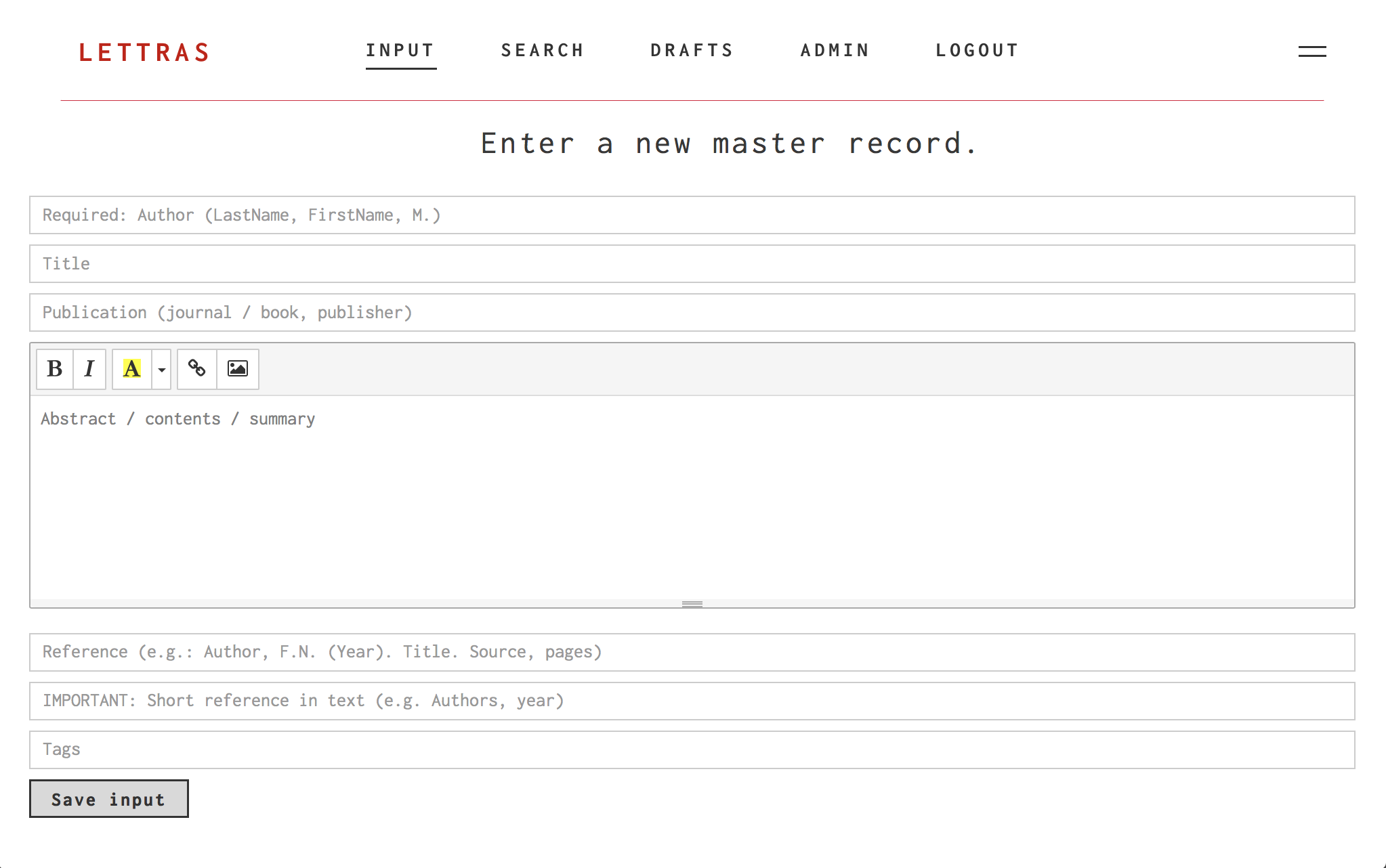
You enter your input:
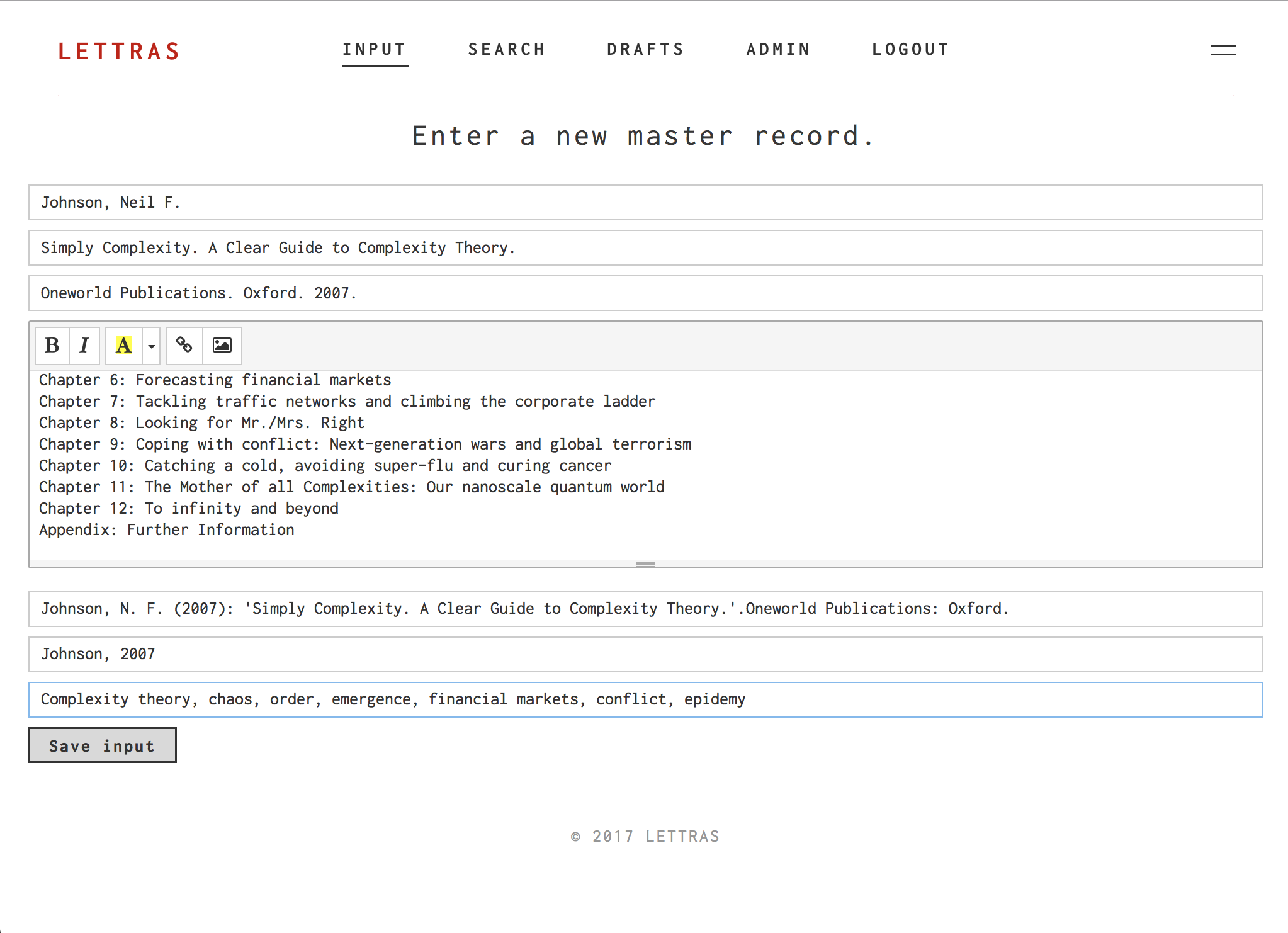
And you save it.
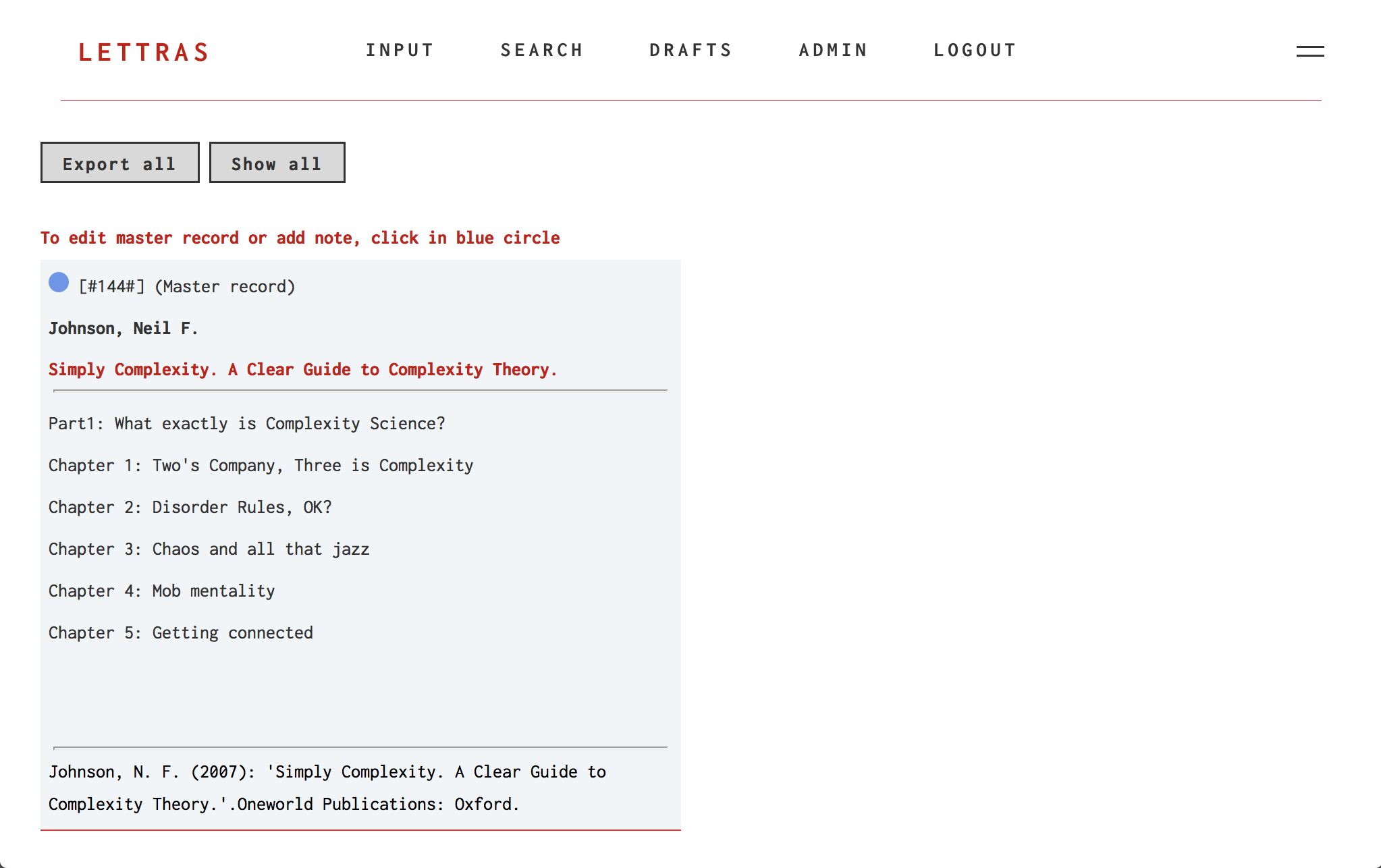
Add your notes
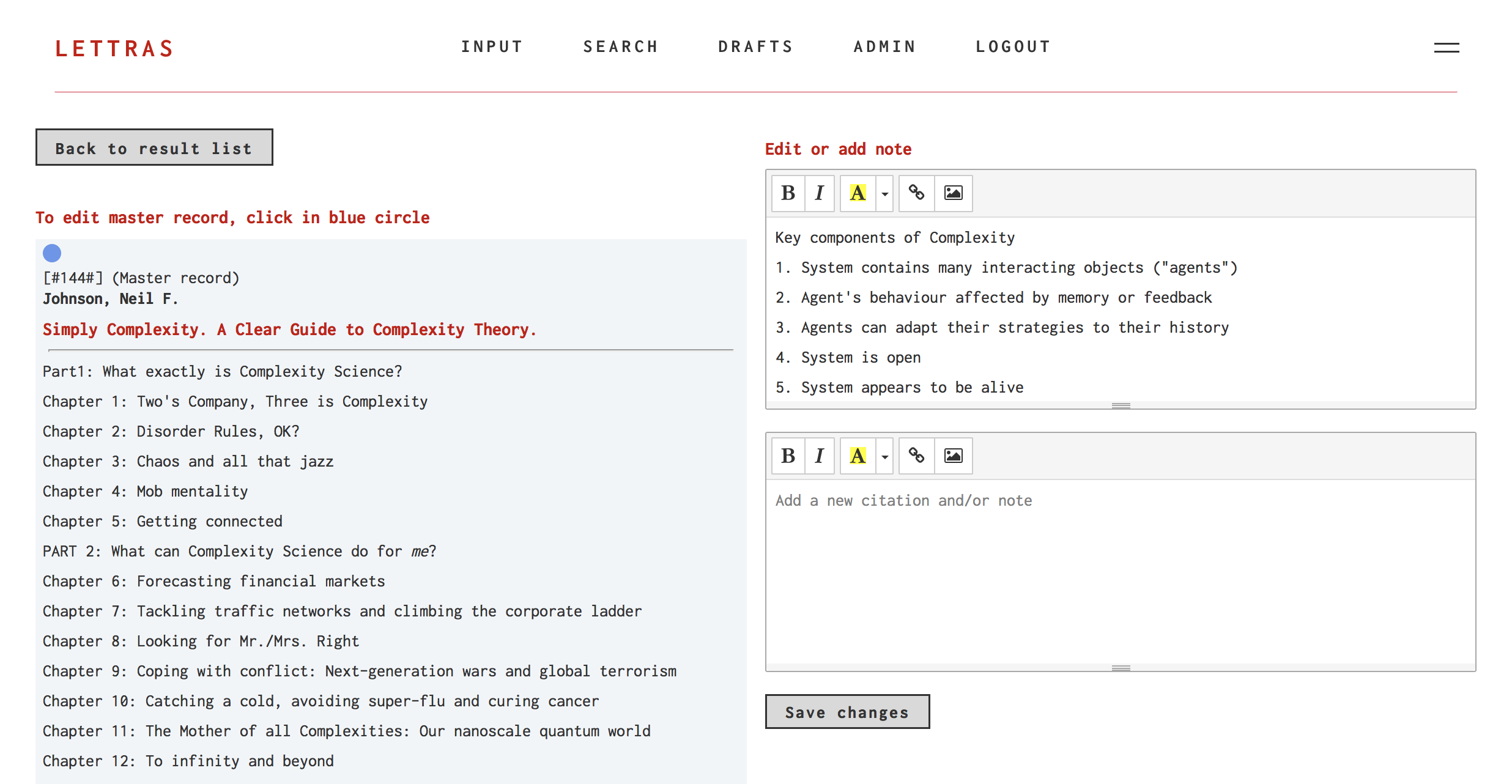
The Master Record is a container for as many notes as you want to add. These notes contain your summaries, ideas, comments, images or diagrams, and also verbal citations. And since they are connected with your Master Record you don't have to bother to add the source every time you take a note.
Like this:
Be concise!
The shorter your notes the better. Small chunks of few lines each will make it much easier for you to get a fast general view of your material. Else you would have to read again many pages to find what you were looking for.